
ChatGPT Work Can Sign Into Websites Without Seeing Passwords
OpenAI rolled out website sign-in for ChatGPT Work's cloud browser on 25-26 August 2026 for Plus, Pro, and Business users. Credentials go to a remote browser, are not visible to the model, and are not stored.
PromptCrates Editorial
Staff Writer
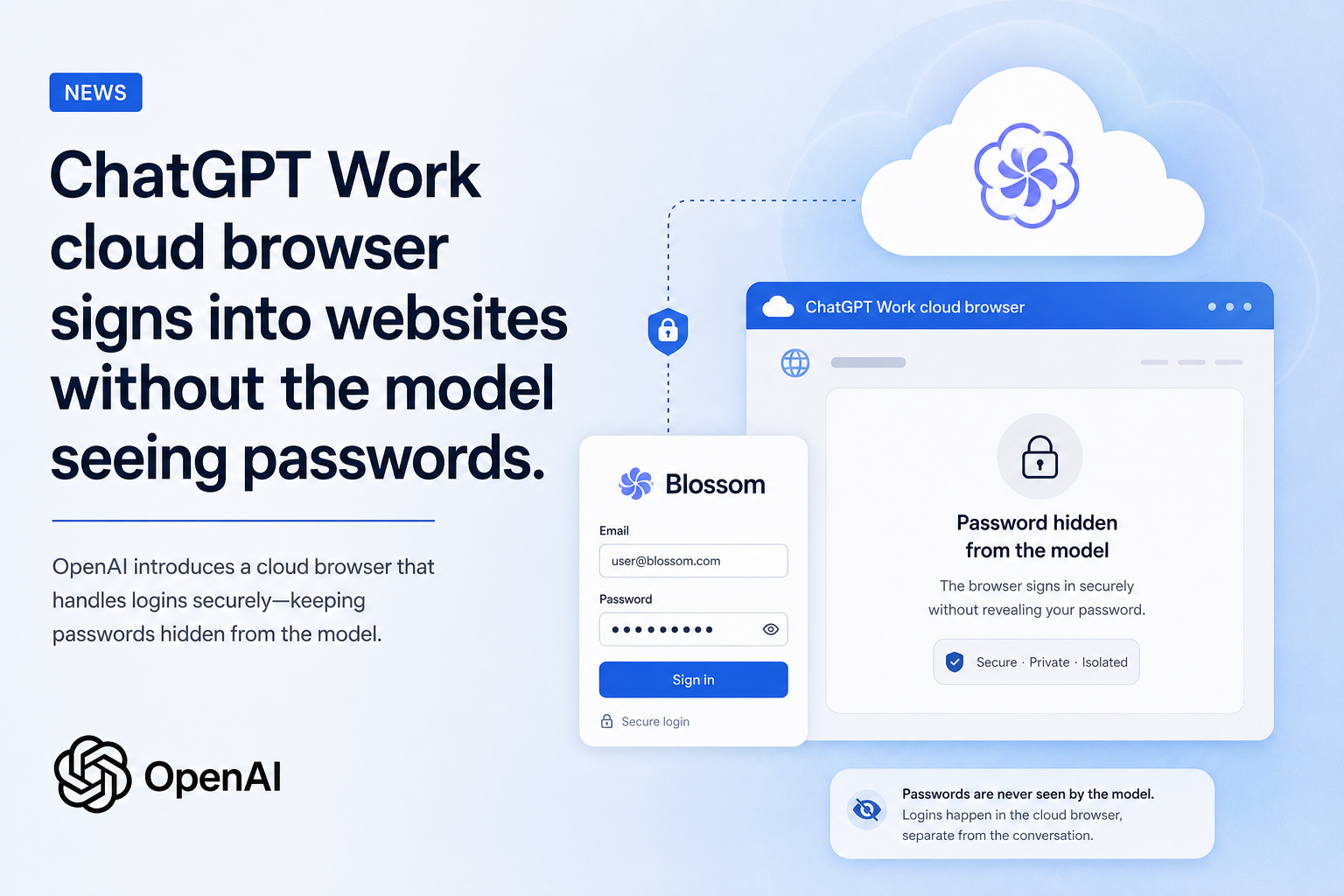
OpenAI rolled out website sign-in for ChatGPT Work's cloud browser on 25-26 August 2026 for Plus, Pro, and Business users on web and mobile. The agent can finish tasks behind a login screen without the model seeing or storing the password.
How ChatGPT Work handles a secure website sign-in
This is a credential handoff, not a new model. ChatGPT's account said on 25 August 2026 that logging into websites was rolling out that day on web and mobile for Plus, Pro, and Business. The Verge recapped the change on 26 August 2026 at 08:24 UTC: the agent can now sign in to book a DMV appointment, cancel a reservation, or fill out a job application without OpenAI seeing login credentials.
OpenAI's help center, "Using cloud browser in ChatGPT," is the mechanics file. Cloud browser is ChatGPT Work's remote browser on a separate computer in the cloud. It can read pages, click buttons, fill forms, and run steps on supported public and signed-in sites. It is available in ChatGPT Work on paid plans in supported regions, excluding Free and Go. Availability can vary during rollout and may depend on workspace permissions. Free and Go are out. Do not write a free-tier sign-in.
When Work reaches a supported sign-in page, it pauses. The user enters a username and password in a secure form and completes any two-factor step. Before that form is shown, an additional review model checks the request and the destination for phishing or deception. The user can review the website address, preview the form, and inspect the live site before continuing. Credentials go to the remote browser. They are not visible to the model. ChatGPT does not store them.
OpenAI's safety line is blunt: never paste passwords, security codes, or payment details into the conversation. Use the secure sign-in flow. That is the product rule, not a suggestion in the help article.
If you already track Instinct's $250 million Series B, keep the personal-agent raise and this Work sign-in apart. Instinct is a private-beta life-organization agent with its own permission fight. ChatGPT Work is a paid cloud browser that now pauses for a password the model is not allowed to see.
What ChatGPT Work can finish after you sign in
Named tasks in the help center stay ordinary: check restaurant availability, request quotes, find flights, compare local stock, track a package from a connected email account, find a DMV appointment and prepare a booking for approval, sign in to a utility account and compare plans, save apartment listings, reconcile invoices in accounting software. The Verge's shorter list is a DMV booking, a canceled reservation, or a job application. Those are examples. They are not a published success rate.
The signed-in session persists for later tasks until it expires or the user clears cloud-browser data under Settings > Cloud browser > Browser data. Clearing a site signs the user out. Cloud browser keeps its own cookies and sessions. It does not use the personal browser's tabs, history, saved passwords, cookies, extensions, or existing sign-ins. A task can keep running after the user leaves the conversation or closes the computer. It pauses when it needs input, sign-in, or confirmation.
Consequential actions stay behind a second gate. ChatGPT is designed to request confirmation before steps that are hard to reverse or that create a financial, legal, account, or other real-world commitment, such as confirming a booking or making a payment. Allowing a website does not remove that confirmation. Site-access permission and action approval are two settings.
Website permissions default to asking before a new site. Settings offer Always ask, Auto approve (pause only if the URL looks unsafe), and Always allow, which OpenAI does not recommend. Individual allow and block lists override the default.
If your coding work already sits in OpenAI's GPT-5.6 Sol, Terra, and Luna on AWS Kiro, keep Kiro as a coding-agent surface. This rollout is ChatGPT Work signing into ordinary websites, not a new Kiro SKU.
Where ChatGPT Work still gets stuck
Some websites block automated browser agents. OpenAI says a site may refuse cloud-browser traffic even when the same page works in a personal browser. Those restrictions are the website's, not ChatGPT's. If a site is blocked, the help article says to try another site or open the page directly. Website operators can follow OpenAI's allowlisting instructions. Do not invent a compatibility percentage.
If Work gets stuck, it asks the user to take over on phone or computer and provides a link into the remote browser. Some sign-in or transaction steps are unsupported. The help center's own FAQ says the cloud browser cannot finish every task.
Cloud browser is not the desktop app's built-in browser. The remote instance is for delegated Work tasks. The built-in desktop browser is the one the user inspects and annotates in person. Do not flatten the two.
OpenAI says it tests for prompt injection, phishing, and unintended actions, and that those safeguards do not eliminate every risk. Review sensitive steps. If you already have OpenAI's official report on the Hugging Face incident in the same folder, keep that July evaluation post-mortem and this consumer sign-in flow on two lines. One is a research-sandbox incident. The other is a paid Work feature that is supposed to keep passwords off the model.
The useful pin is: on 25-26 August 2026 OpenAI rolled out website sign-in for ChatGPT Work on web and mobile for Plus, Pro, and Business; cloud browser is a remote browser on paid plans excluding Free and Go; the model does not see or store credentials; a review model checks for phishing; sessions persist until they expire or the user clears data; confirmation is required before hard-to-reverse financial, legal, or account commitments; sites may block the agent; the user can take over.
If you let Work book a DMV slot or cancel a reservation, the operational question is whether you used the secure form and whether you confirmed the last click. The headline that Work can "sign in" does not answer those two.
Sources
- Using cloud browser in ChatGPT — OpenAI Help Center
- ChatGPT Work can now work more autonomously — The Verge, 26 August 2026


